The Grumpy Sysadmin Shop
Account Lockdown Playbook
Account Lockdown Playbook
Couldn't load pickup availability
✓ 30-day money-back guarantee — no questions asked
This guide is included in the complete Secure Your Digital Life in 7 Days. Already own it and want to upgrade later? Just reach out — we’ll credit what you paid for this toward it.
Your email, password manager, MFA app, phone number, and recovery options are what keep your digital life from turning into a disaster.
The Account Lockdown Playbook is a plain-English PDF that walks you through securing your most important accounts in the right order — without accidentally locking yourself out.
Use it to protect your email, passwords, MFA, recovery codes, phone carrier account, banking, shopping, cloud storage, and other accounts before one stolen password or lost phone turns into a mess.
✓ Instant digital PDF download
✓ Plain-English account security help
✓ Built for normal people, not cybersecurity experts
✓ Helps protect email, passwords, MFA, recovery access, and key accounts
✓ Helps you lock things down without locking yourself out
What this playbook helps you do
Inside, you’ll learn how to:
✓ Lock down your main email account first
✓ Set up and protect your password manager
✓ Replace reused passwords in the right order
✓ Turn on MFA without locking yourself out
✓ Save recovery codes the right way
✓ Protect your phone carrier account from recovery attacks
✓ Secure Microsoft, Google, Apple, banking, shopping, and cloud accounts
✓ Review devices, sessions, login activity, and forwarding rules
✓ Build an emergency access plan for lost phones, suspicious logins, and trusted family access
✓ Create a simple monthly account security routine
Why this matters
Your email account is often the reset button for everything else.
If someone gets into your email, they may not need to guess every password. They can request password resets, hide security alerts, review saved messages, and use your inbox against you.
MFA helps, but only if you set it up with recovery codes, backup access, and a plan for what happens if your phone dies, gets replaced, or disappears.
This playbook helps you secure the accounts with the biggest blast radius first, save the recovery options, and verify you can still get back in.
Included in the Account Lockdown Playbook
This PDF includes:
✓ Account priority map
✓ Email lockdown walkthrough
✓ Password manager setup guidance
✓ Reused password cleanup workflow
✓ MFA method comparison
✓ Recovery code storage system
✓ Phone carrier account security checklist
✓ Microsoft, Google, Apple, banking, shopping, and cloud account review
✓ Device, session, login activity, and forwarding-rule review
✓ Emergency access and trusted-family access planning
✓ Monthly account security maintenance checklist
✓ Printable worksheets and checklists
Who this is for
This playbook is for people who want better account security without needing to become cybersecurity experts.
It is especially useful if you:
✓ Use email, banking, shopping, cloud, or password manager accounts
✓ Help a spouse, parent, or family member with their accounts
✓ Use MFA but are not sure your recovery options are safe
✓ Have reused passwords you need to clean up
✓ Want a simple account security routine you can actually follow
What you get
A downloadable PDF playbook you can save, print, and work through at your own pace.
No fluff. No corporate cybersecurity nonsense.
Just the accounts to check, the order to check them in, what to change, what not to touch, and how to avoid locking yourself out.
Lock it down now. Recover faster later. Stay in control.
What You’ll Receive
What You’ll Receive
A plain-English PDF that walks you through securing your most important accounts in the right order, without locking yourself out along the way. It covers your email, password manager, MFA, recovery codes, phone carrier account, banking, shopping, cloud storage, and other key accounts, plus device/session review and an emergency access plan for a lost phone or a suspicious login.
Digital PDF download. Nothing physical ships.
Frequently Asked Questions
Frequently Asked Questions
Do I need technical experience?
No. It's written in plain English and built for normal people, not cybersecurity experts.
Why does the order matter?
Your email account is often the reset button for everything else. If someone gets into it, they can reset your other passwords and hide the alerts that would normally warn you — so the playbook has you lock down email first, then work outward.
I already own this and want to upgrade to Secure Your Digital Life in 7 Days — can I?
Yes. This guide is included in the complete Secure Your Digital Life in 7 Days. Reach out and we'll credit what you paid for this toward it.
What will I receive after purchase?
You will receive the digital PDF described on this page. Nothing physical will be shipped.
Share


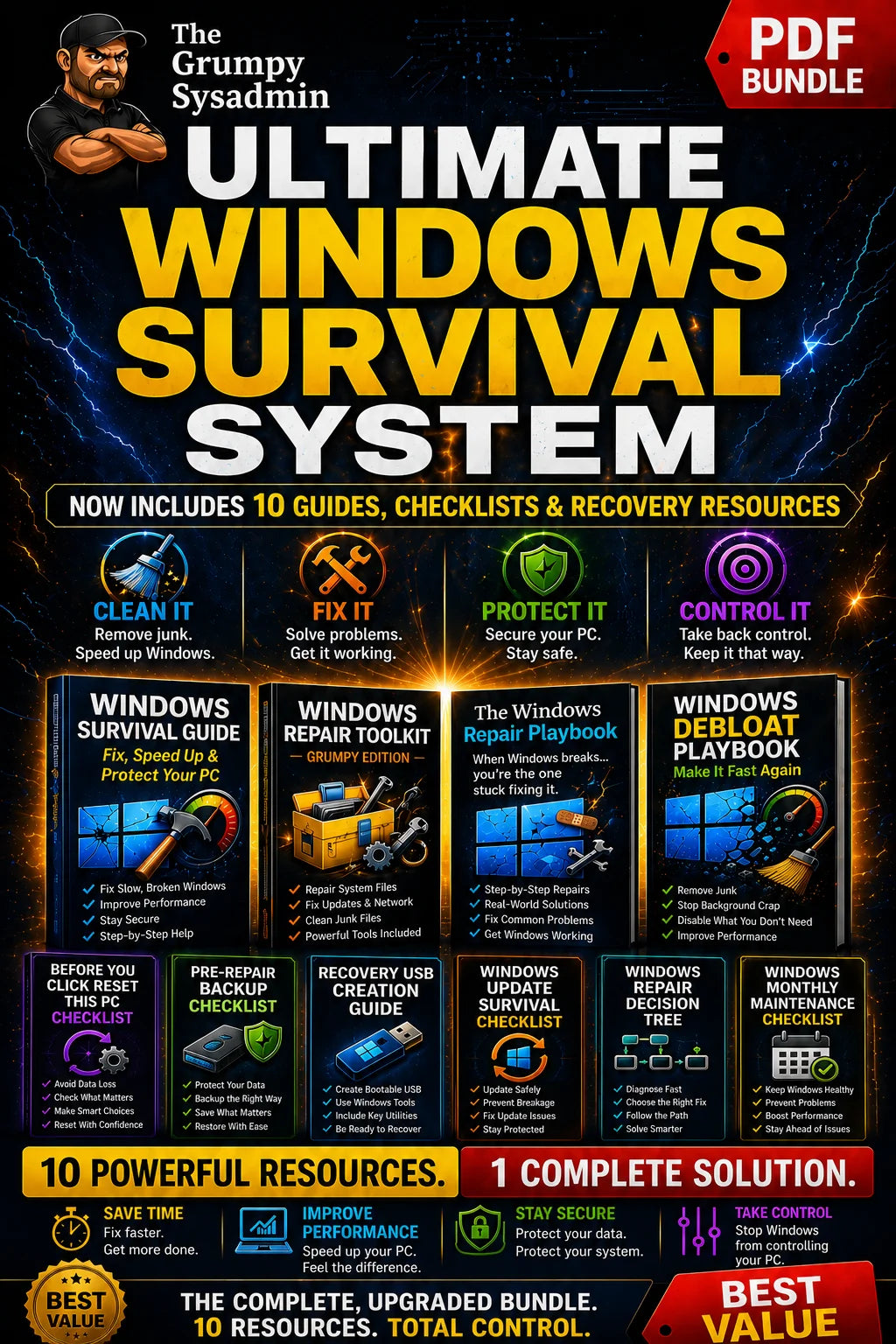
ALSO KEEP WINDOWS ITSELF RUNNING
The Ultimate Windows Survival System