The Grumpy Sysadmin Shop
Browser & Online Privacy Lockdown Guide
Browser & Online Privacy Lockdown Guide
Couldn't load pickup availability
✓ 30-day money-back guarantee — no questions asked
This guide is included in the complete Secure Your Digital Life in 7 Days. Already own it and want to upgrade later? Just reach out — we’ll credit what you paid for this toward it.
Your browser knows a lot about you.
Between cookies, extensions, saved passwords, autofill, tracking, permissions, and privacy settings, it’s easy to leave far more exposed than you realize.
The Browser & Online Privacy Lockdown Guide walks you through the practical steps you can take to reduce unnecessary tracking, tighten browser security, review risky settings, and protect more of your personal information while you’re online.
Inside the Guide, You'll Learn How To:
- Review browser extensions and remove the ones you no longer need
- Understand and reduce unnecessary cookies and tracking
- Lock down saved passwords and autofill settings
- Review site permissions for your camera, microphone, location, notifications, and more
- Check HTTPS and secure browsing settings
- Use Secure DNS and other privacy-focused browser options
- Reduce the amount of information websites and advertisers can collect
- Tighten account and browser security without making everyday browsing miserable
This isn’t about becoming invisible online.
It’s about sharing less, exposing less, and taking back more control over what your browser is allowed to do.
If you use your browser for email, shopping, banking, social media, or just about anything else online, these are settings worth reviewing.
Browse safer now. Share less later. Stay in control.
DIGITAL PRODUCT NOTICE:
This is a digital download only. No physical product will be shipped. You will receive access to the downloadable Browser & Online Privacy Lockdown Guide after purchase.
What You’ll Receive
What You’ll Receive
A guide to reducing unnecessary tracking, tightening browser security, and taking back control of what your browser is allowed to do. It walks you through reviewing extensions, reducing cookies and tracking, locking down saved passwords and autofill, reviewing site permissions for your camera, microphone, and location, checking HTTPS and secure browsing settings, and using Secure DNS and other privacy-focused options.
Digital download only. No physical product will be shipped.
Frequently Asked Questions
Frequently Asked Questions
Do I need technical experience?
No — it's written as a practical, plain-English walkthrough of settings worth reviewing.
Will this make me anonymous online?
No. This isn't about becoming invisible online — it's about sharing less, exposing less, and taking back more control over what your browser is allowed to do.
Is this only useful if I do a lot of online banking or shopping?
No — if you use your browser for email, shopping, banking, social media, or just about anything else, these are settings worth reviewing.
What will I receive after purchase?
You will receive access to the downloadable guide described on this page. Nothing physical will be shipped.
Share


ALSO KEEP WINDOWS ITSELF RUNNING
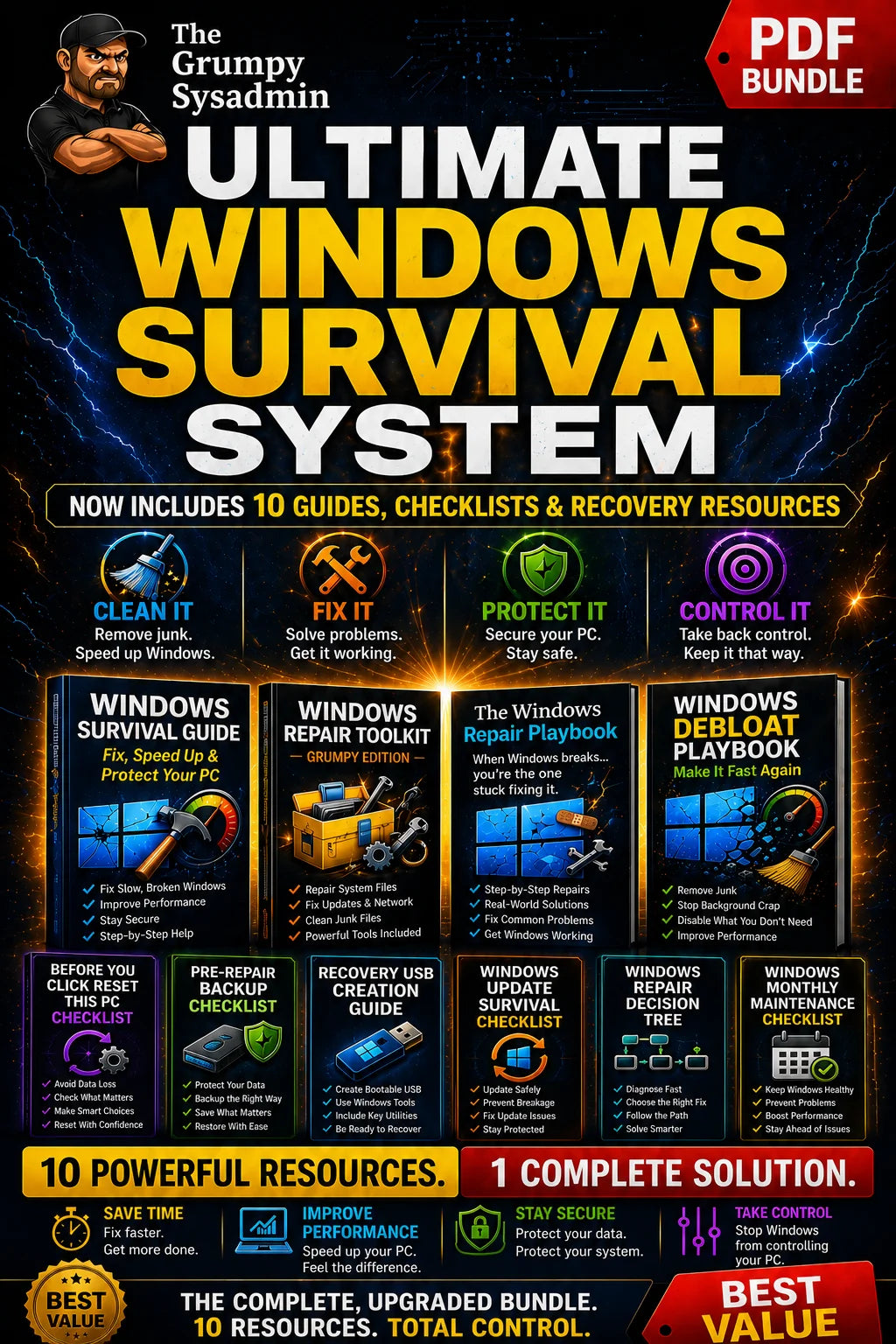
The Ultimate Windows Survival System