The Grumpy Sysadmin Shop
Home Wi-Fi and Router Lockdown Guide
Home Wi-Fi and Router Lockdown Guide
Couldn't load pickup availability
✓ 30-day money-back guarantee — no questions asked
This guide is included in the complete Secure Your Digital Life in 7 Days. Already own it and want to upgrade later? Just reach out — we’ll credit what you paid for this toward it.
Your home Wi-Fi is the front door to almost everything connected in your house.
Your laptops, phones, smart TVs, cameras, printers, tablets, game consoles, smart speakers, thermostats, and mystery devices all depend on that router sitting in the corner blinking like it knows something you don’t.
The Home Wi-Fi and Router Lockdown Guide is a digital PDF download that walks you through the most important router and Wi-Fi security settings regular home users should check before one bad setting, weak password, outdated router, or exposed device turns into a much bigger problem.
This is a digital product only. No physical item will be shipped.
Most people set up their Wi-Fi once, make sure Netflix works, and then never look at the router again.
That is exactly the problem.
This guide shows you what to check, where to look, what the settings mean, what to change, and what not to touch blindly.
Inside, you’ll walk through:
✅ Identifying your router, modem, mesh system, or ISP gateway
✅ Saving important settings before making changes
✅ Locking down router admin access
✅ Securing router app and cloud accounts
✅ Choosing safer Wi-Fi names and passwords
✅ WPA2 and WPA3 encryption settings
✅ Guest Wi-Fi and smart-device separation
✅ WPS, UPnP, remote management, and other risky convenience features
✅ Port forwarding and exposed internet-facing settings
✅ Router firmware updates and support status
✅ Connected-device review and inventory worksheets
✅ Monthly home network maintenance routine
✅ Final verification checklist so you know everything still works
This is not an enterprise networking manual, and it is not a guide to turning your house into a data center.
It is a practical, plain-English home network security walkthrough for regular users, family tech helpers, remote workers, and small-office users who want better protection without breaking the internet for everyone in the house.
Delivery: After purchase, you will receive access to download the PDF file. Nothing will be mailed or shipped.
Note: This guide is a standalone product and is planned to become part of a larger Grumpy Sysadmin home security product suite in the future. Buying it today gives you the home Wi-Fi and router lockdown guide now, without waiting for the full suite to be built.
Lock it down now. Troubleshoot less later. Stay grumpy.
What You’ll Receive
What You’ll Receive
A guide to the router and Wi-Fi security settings regular home users should check — identifying your router, modem, mesh system, or ISP gateway, locking down router admin access, securing your router app and cloud accounts, choosing safer Wi-Fi names and passwords, WPA2/WPA3 encryption, setting up guest Wi-Fi and smart-device separation, and reviewing risky convenience features like WPS, UPnP, and remote management.
You also get a connected-device inventory worksheet and a monthly home network maintenance routine.
Digital download only. No physical item will be shipped.
Frequently Asked Questions
Frequently Asked Questions
Do I need technical experience?
No — it shows you what to check, where to look, what the settings mean, and what not to touch blindly.
Is this an enterprise networking guide?
No. It's built for regular home users, not IT professionals managing a business network.
Does this only work with a specific router brand?
No — it's written to apply whether you have a standalone router, a mesh system, or an ISP-provided gateway.
What will I receive after purchase?
You will receive the digital guide described on this page. Nothing physical will be shipped.
Share


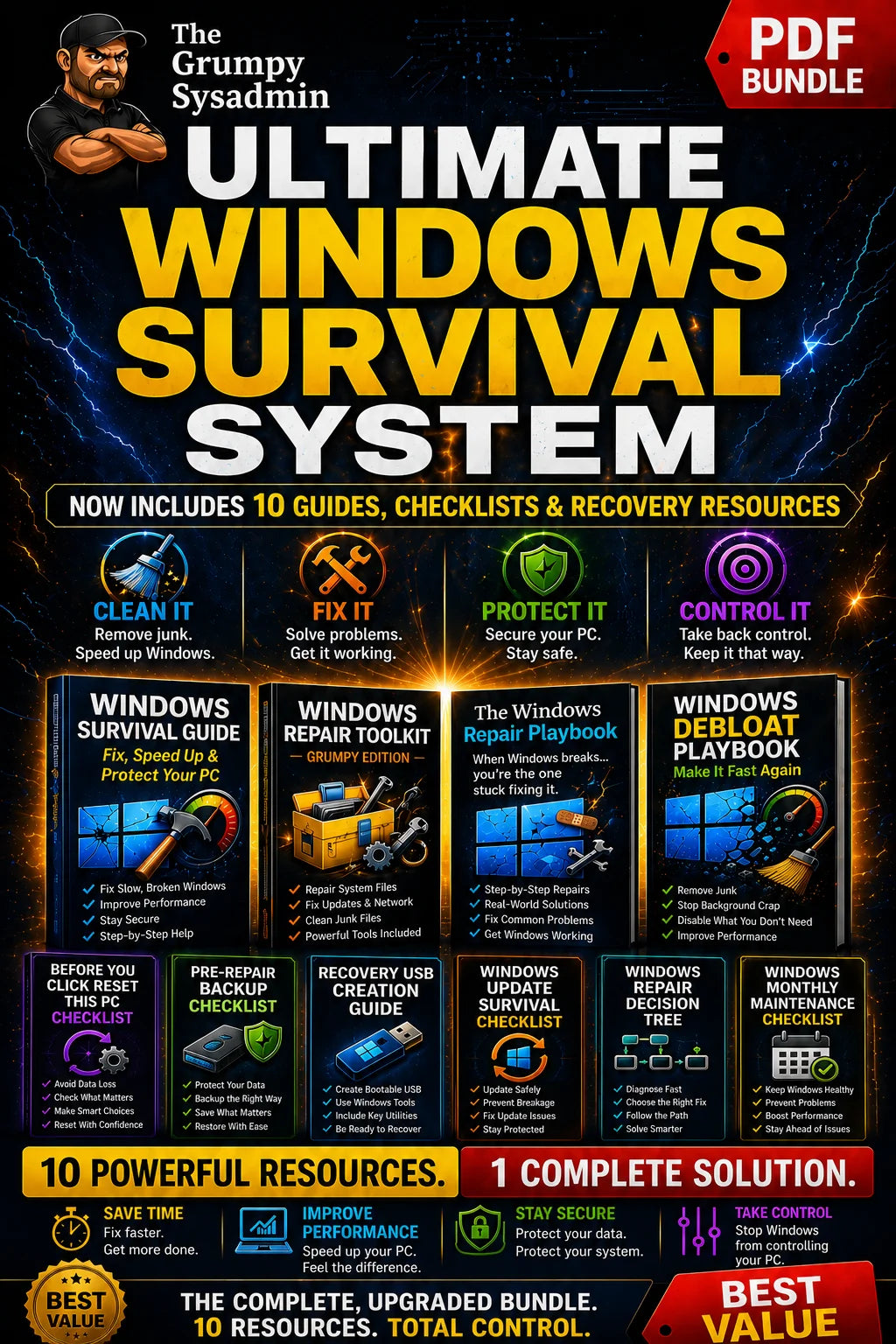
ALSO KEEP WINDOWS ITSELF RUNNING
The Ultimate Windows Survival System