

The Grumpy Sysadmin Shop
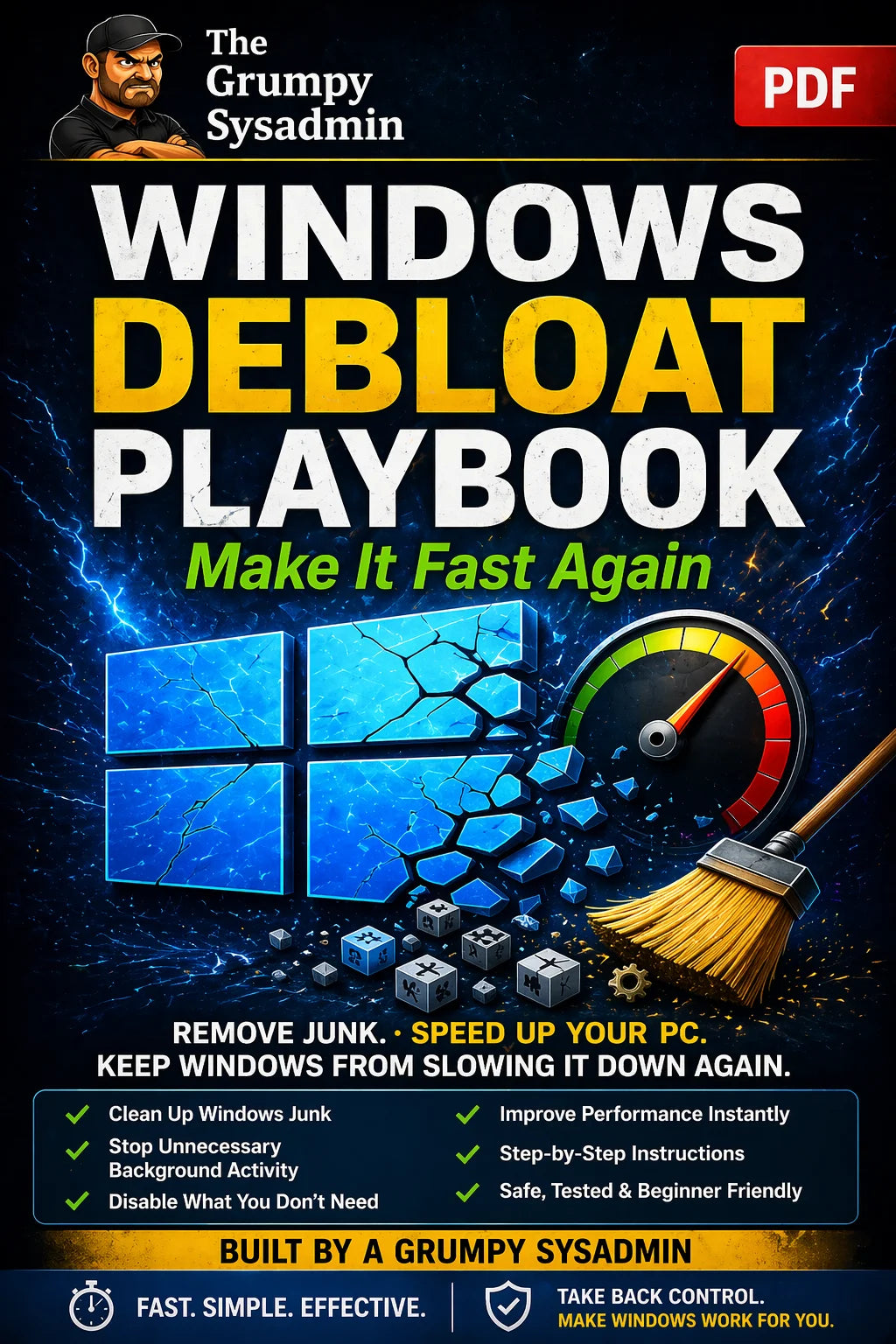
Windows Debloat Playbook – Fix Slow PCs & Remove Hidden Junk
Windows Debloat Playbook – Fix Slow PCs & Remove Hidden Junk
Couldn't load pickup availability
✓ 30-day money-back guarantee — no questions asked
This guide is included in the complete Ultimate Windows Survival System. Already own it and want to upgrade later? Just reach out — we’ll credit what you paid for this toward it.
Windows Is Slowing Your PC Down… And It’s Not Telling You
If your computer feels slower than it used to…
👉 It’s not just age.
Windows quietly fills your system with:
- Background apps you never asked for
- Startup junk that drags down boot time
- Services and tasks constantly running
- Features that turn themselves back on after updates
👉 And over time… it adds up.
What This Playbook Does
This is a step-by-step system to clean up your PC the right way.
No guessing. No breaking things.
You’ll learn how to:
✔ Remove unnecessary junk safely
✔ Reduce background processes
✔ Speed up startup and responsiveness
✔ Stop Windows from turning things back on
✔ Take back control of your system
Digital Download Notice:
This is a digital download. No physical product will be shipped.
This Is NOT Another “Debloat Script”
Most guides online:
- Tell you to disable everything
- Break features you actually need
- Leave you stuck figuring out what went wrong
👉 This playbook does the opposite.
It shows you:
✔ What to change
✔ What NOT to touch
✔ Why each step matters
✔ How to do it safely
Who This Is For
This is for you if:
👉 Your PC feels slow or sluggish
👉 Windows keeps getting worse over time
👉 You’re tired of background junk eating resources
👉 You want real performance improvements without breaking your system
What You’ll Get
- Step-by-step instructions (no tech jargon)
- Safe methods I use myself
- Changes you can undo if needed
- A system you can reuse anytime
The Result
By the time you’re done, your PC should be:
✔ Faster
✔ Cleaner
✔ More responsive
✔ Under your control
Want the Full System?
If you want everything—cleanup, repair, and protection—
👉 Check out the Ultimate Windows Survival System for the complete solution.
No fluff. No nonsense. Just what works.
👉 Because when Windows slows your PC down…
👉 You’re the one stuck fixing it.
— The Grumpy Sysadmin
What You’ll Receive
What You’ll Receive
A step-by-step system for cleaning up a slow Windows PC the right way — removing unnecessary background junk, reducing background processes, speeding up startup and responsiveness, and stopping Windows from quietly turning features back on after updates. Every step explains what to change, what not to touch, and why it matters.
Digital download. Nothing physical ships.
Frequently Asked Questions
Frequently Asked Questions
Do I need technical experience?
No — it's step-by-step with no tech jargon.
Will this break anything or disable features I actually need?
That's exactly what it's built to avoid. Unlike a generic “disable everything” debloat script, it shows you what to change, what not to touch, and why each step matters, so you don't end up stuck figuring out what went wrong.
What will I receive after purchase?
You will receive the digital download described on this page. Nothing physical will be shipped.
Share

YOUR PC ISN’T YOUR ONLY RISK
Secure Your Digital Life in 7 Days
